01 / 08 · Map
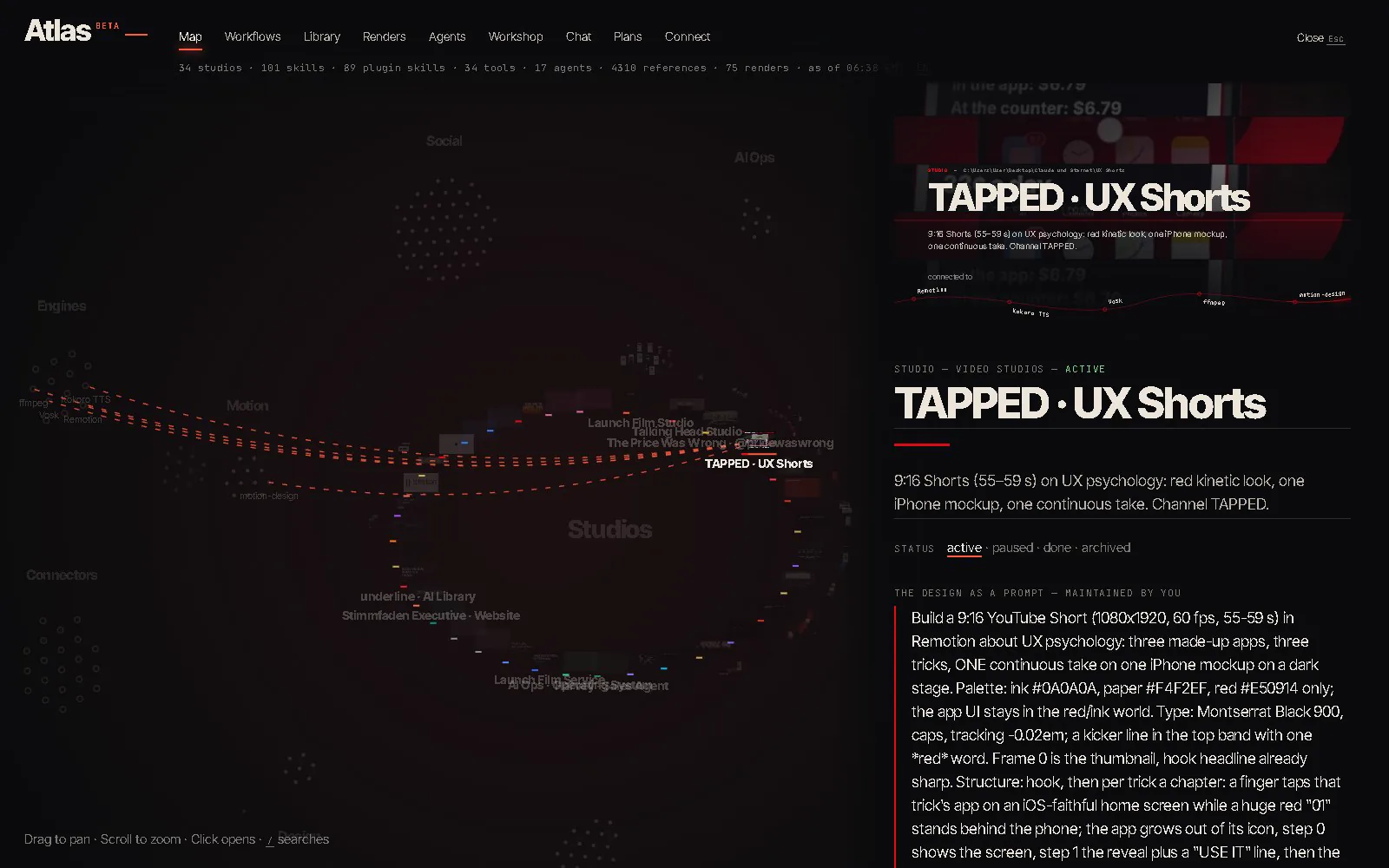
One live map, two worlds: the brain — every studio, skill, tool and agent — and the library of 4,310 prompts, redrawn on every file change.
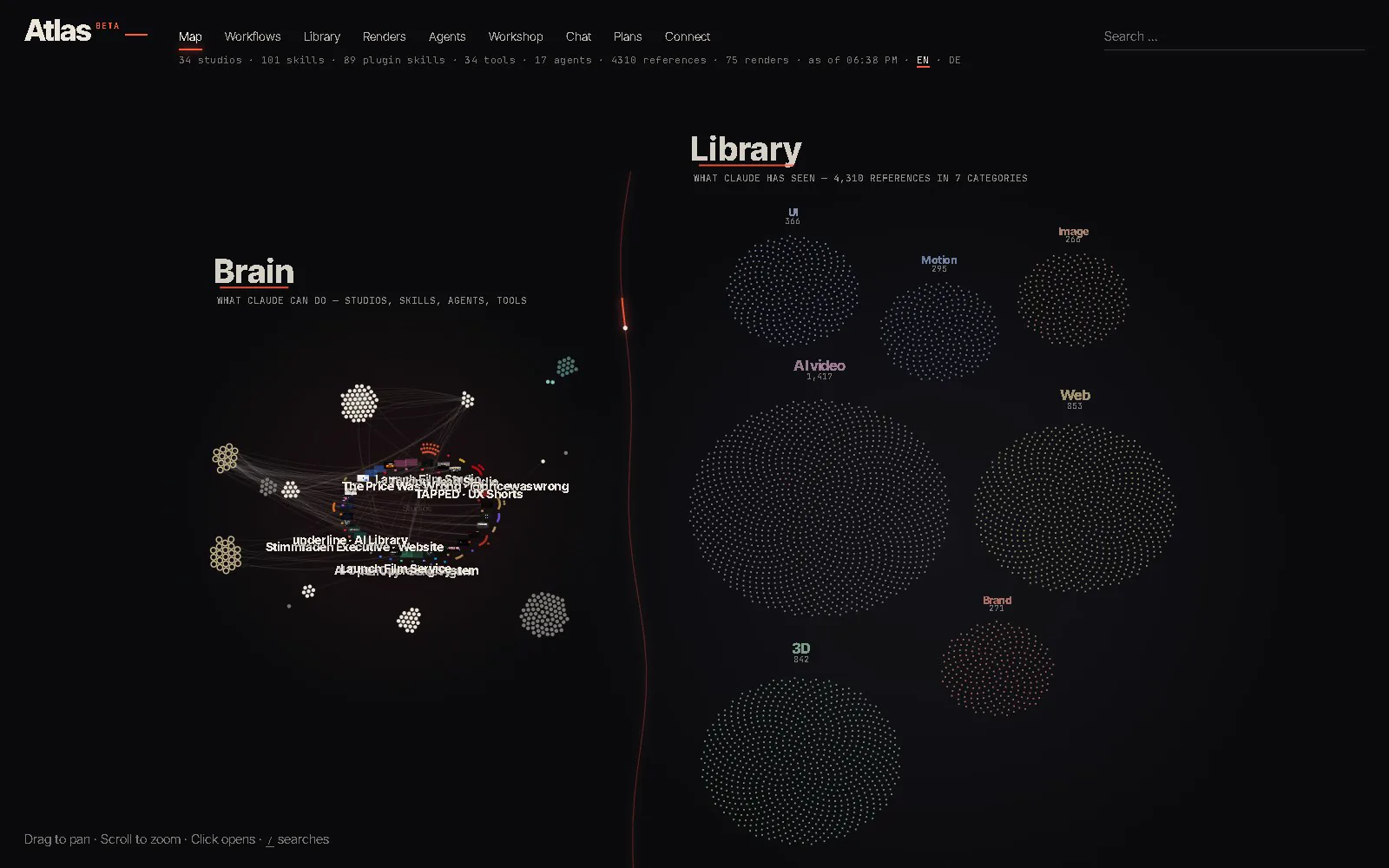
Atlas shows your studios, skills, tools and renders as one living map. Right beside it, Atlas runs Claude Code in your projects, signed in with your own Claude login or Anthropic API key.
↓ Here's everything inside.
One live map, two worlds: the brain — every studio, skill, tool and agent — and the library of 4,310 prompts, redrawn on every file change.
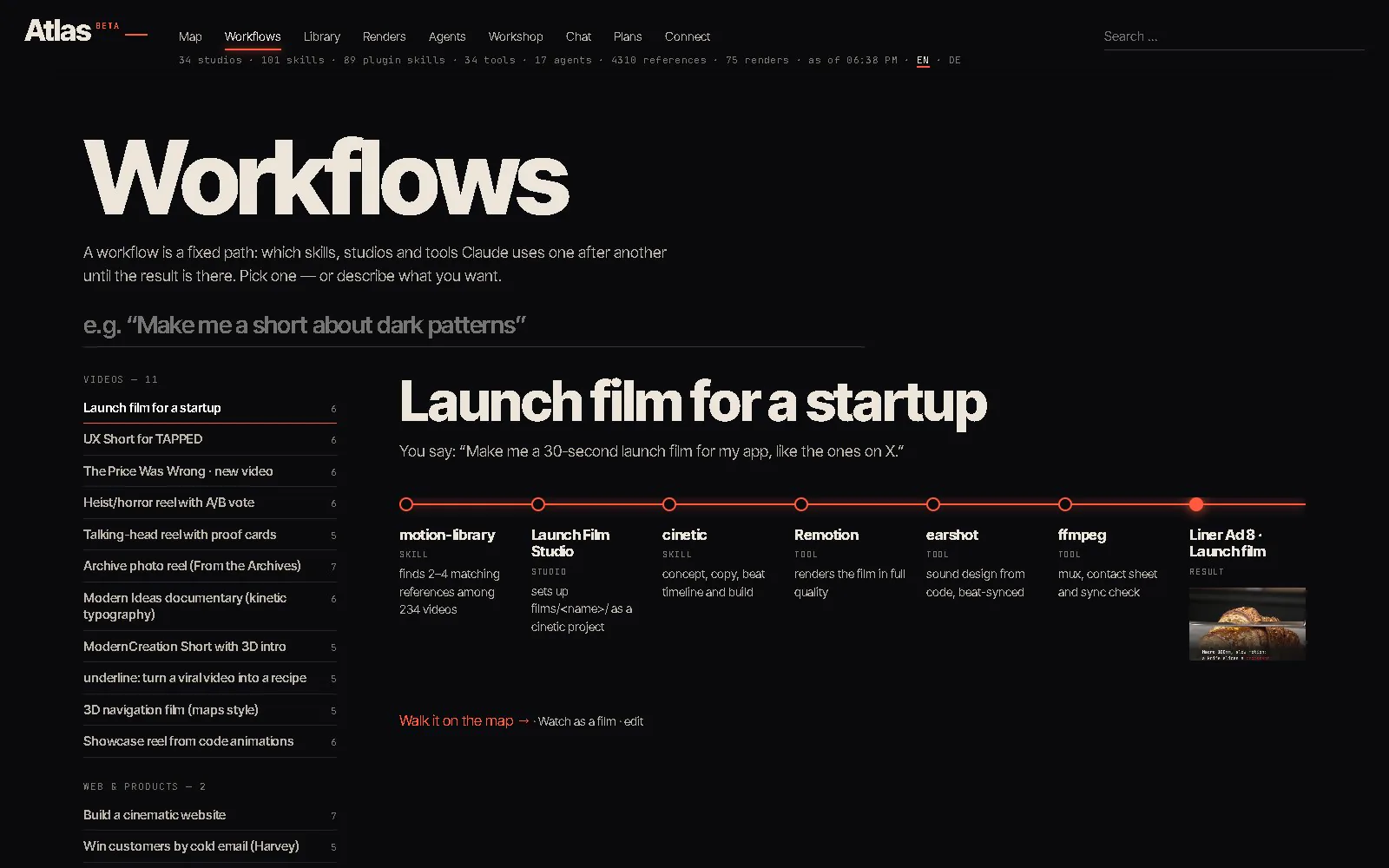
Every workflow sorted by theme. Pick one and see its route like a transit line: each station, what happens there, and the result at the end.
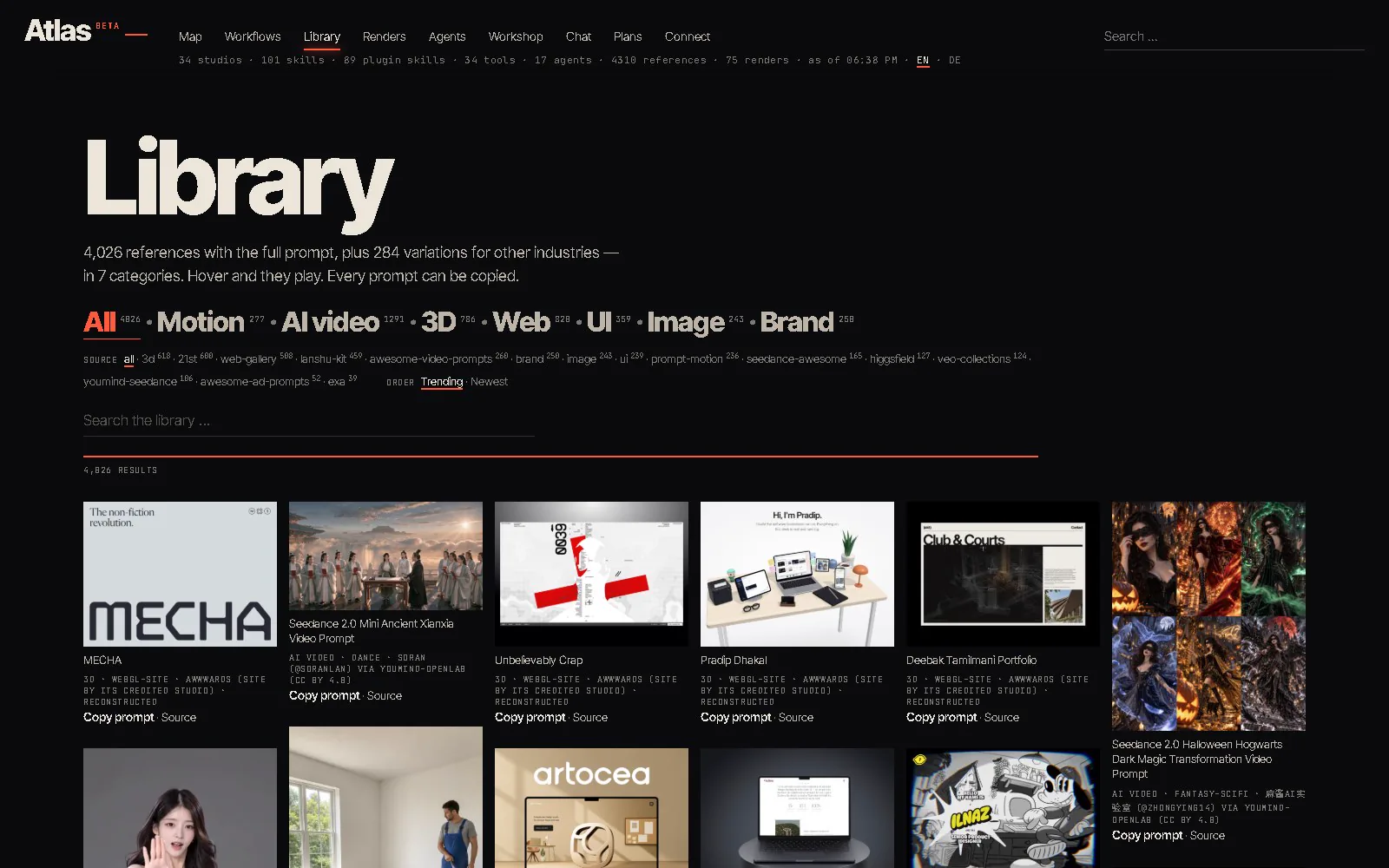
4,310 prompts in seven categories — motion, AI video, 3D, web, UI, image and brand — each one credited and one click to copy.
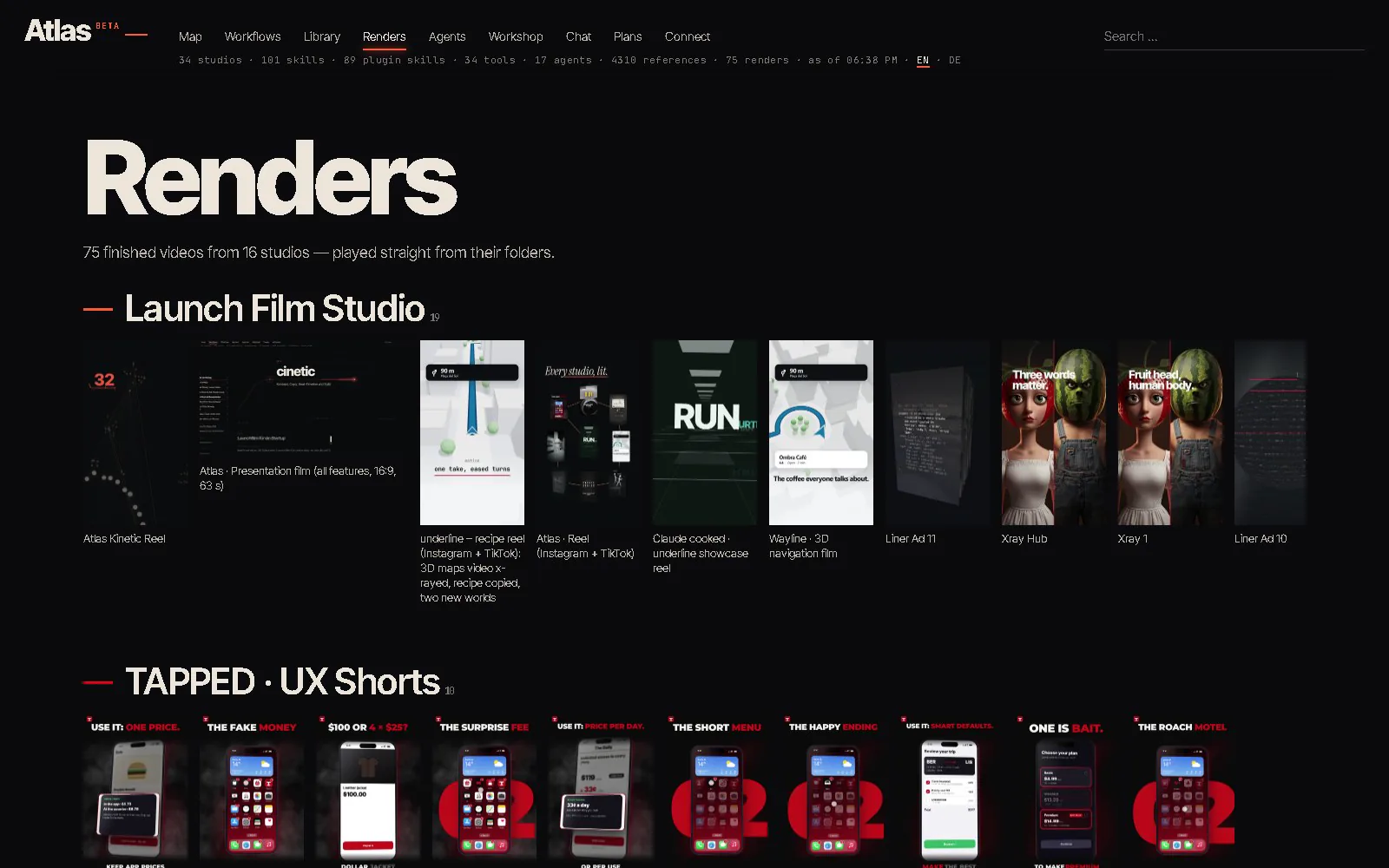
Every finished video, played straight from its folder.
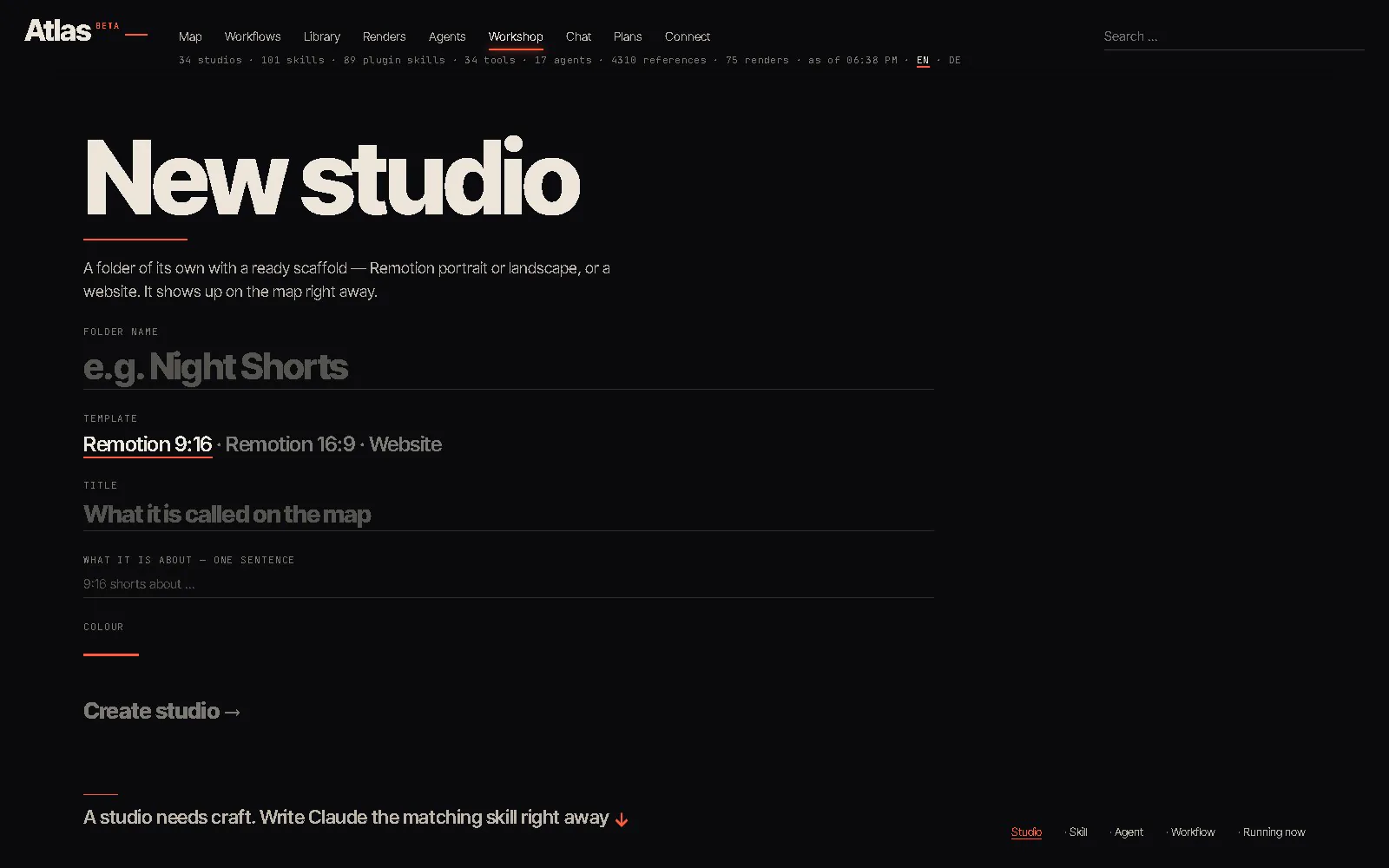
A new studio from a template, a new skill or agent, and running jobs with live logs.
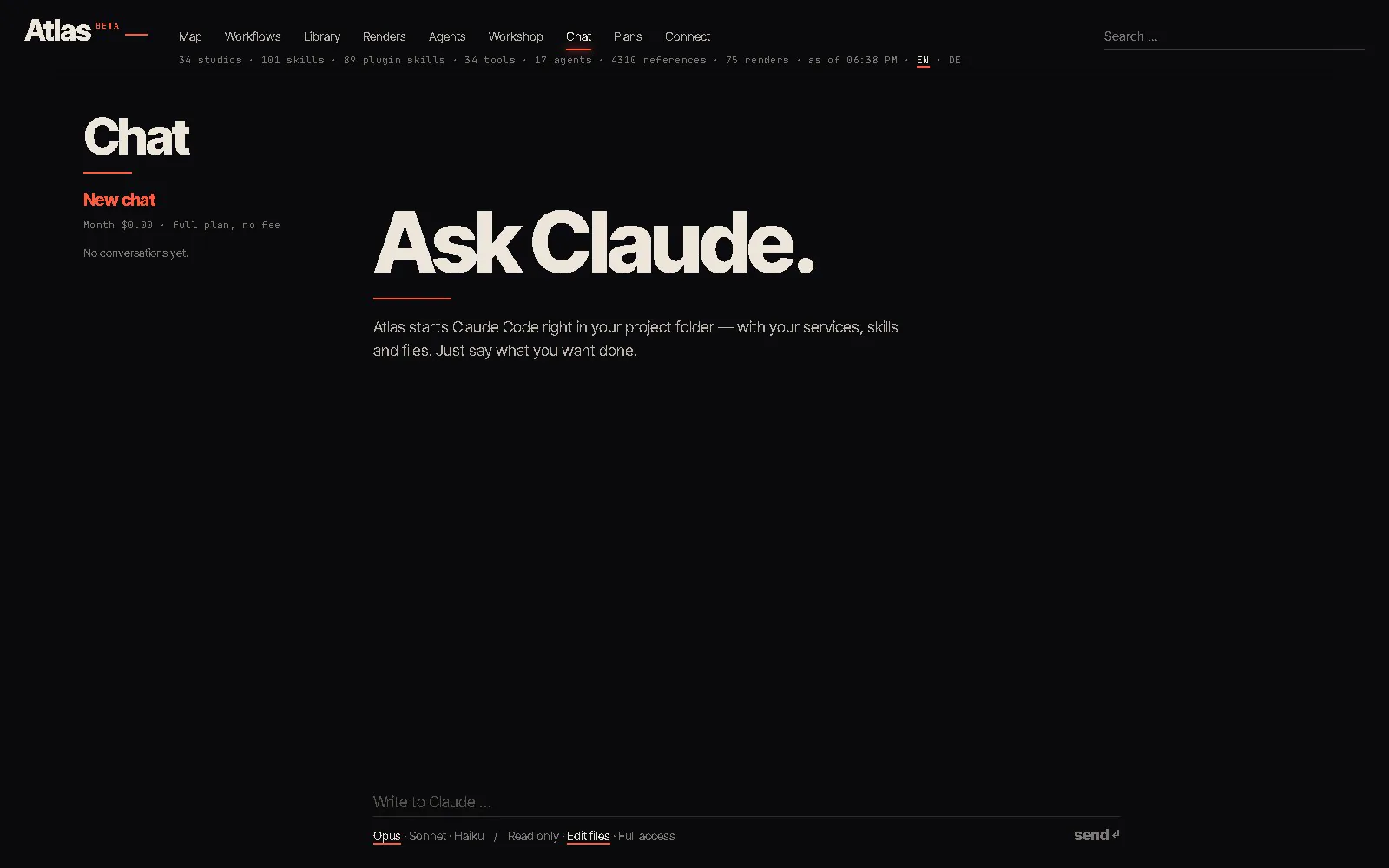
Atlas runs Claude Code in a chat inside your projects, with every service you connected.
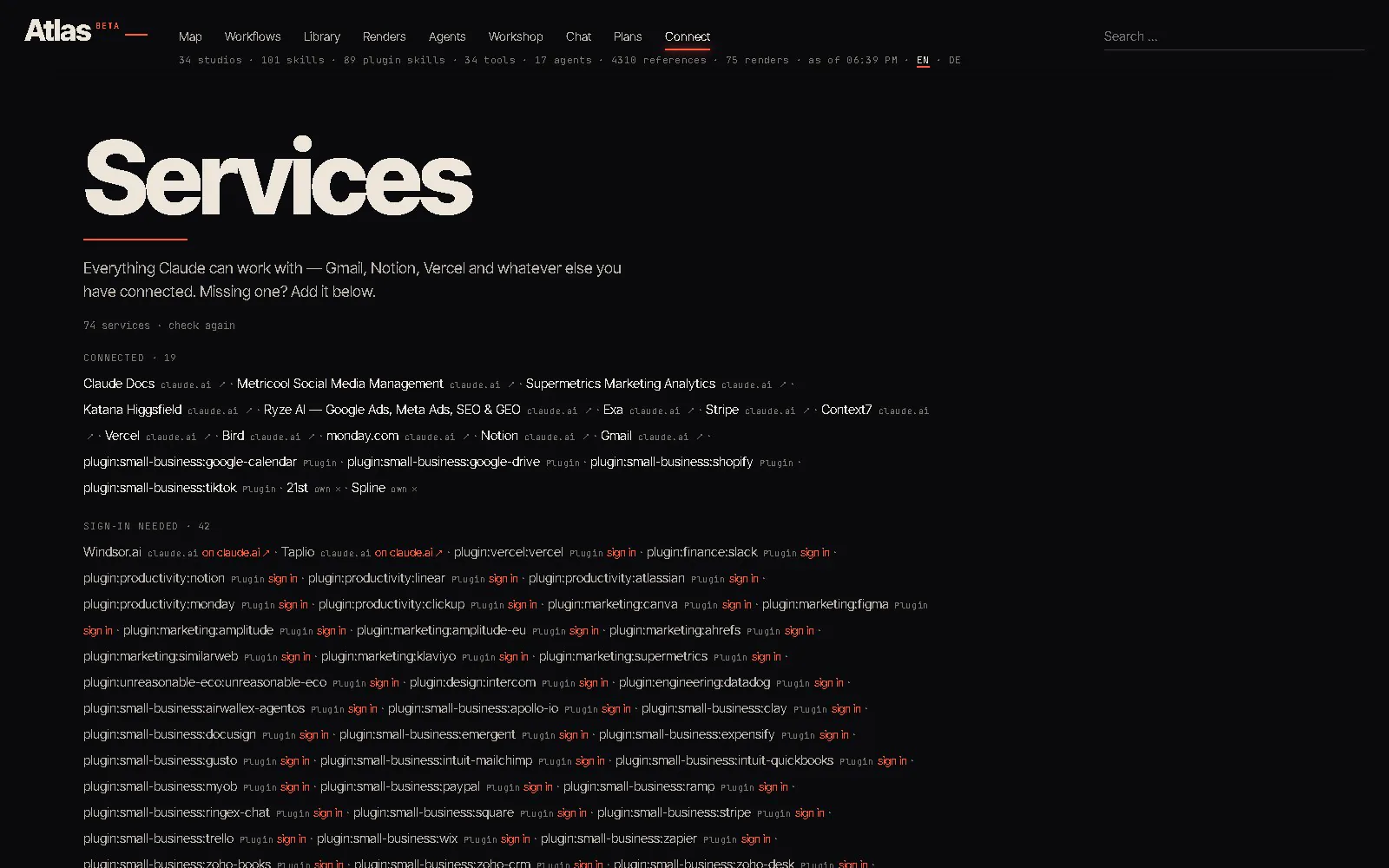
Your AI login or API key, your MCP services and keys, and an API for your other apps.
Edit anything inline, copy a design as a prompt, run a studio's scripts, edit its files.
↓ And what can you build with it?
Websites and landing pages, from first sketch to live deploy. Apps and tools: web apps, desktop apps, scripts, browser extensions. Videos and motion in code: launch films, Shorts, kinetic type, 3D scenes. Design: logos, brand kits, thumbnails, carousels, slide decks. Documents: Word, Excel, PowerPoint, PDF, reports, CVs. Data: clean up spreadsheets, charts, dashboards. Research across the web, written up. Automations: scheduled jobs, batch renders, tidy-ups. And through the services you connect: email, Notion, calendars, analytics, ads, deploys — whatever you plug in.
How it works: Atlas runs Claude Code on your own PC, in your own project folders, with your own Claude login or Anthropic API key. It can only reach the tools and accounts you connect. Results depend on the model and on what you ask — Claude is an AI and can make mistakes, so check what it builds or changes before you publish or send it. A Claude subscription is not included.
↓ So what does it cost?
Beta: free right now. No fees and no subscription while the beta runs.
€0
The map, the workflows, the motion library, your renders, the workshop and Connect. The chat too, when you sign in with your own Claude subscription: never a fee, no account needed.
17 %of your usage
Only when Atlas runs with your own Anthropic API key. Billed monthly via Stripe, no base fee.
€100/ month
$119 a month. No Atlas service fee on your usage.
Or €960 for 12 months ($1,142.40): 20 % off.
After the 12 months it continues monthly and you can cancel monthly.
Get Atlas, then choose your plan in Atlas → Plans. You always pay for Claude directly to Anthropic. Cancel anytime: Cancel your contract here.
The download is almost here. We are uploading the beta right now: check back in a few minutes.
Your download is starting. If your browser or Windows stops it, here is how to let it through.
Windows may warn you — that is expectedAtlas is a new app and not code-signed yet, so your browser and Windows don’t know it. The file itself is clean. To install it:
Chrome: in the download bar or the downloads list (Ctrl+J), choose Keep, then Keep anyway.
Edge: open the downloads list, click … next to the file, then Keep → Show more → Keep anyway.
Windows SmartScreen (“Windows protected your PC”): click More info, then Run anyway.
If the file is gone, Windows Security may have quarantined it: Windows Security → Virus & threat protection → Protection history → the Atlas entry → Allow.
Check the file: in PowerShell, Get-FileHash .\Atlas-Setup.exe must print28A6E266A016F8AB082A8D02BE3FCEBA04E3D0F5A7BEEBD293A58F5B6E98AA5F
(SHA-256, Atlas 1.2.0 beta 2, Windows 10/11, 64-bit).